
Berita Sekolah
Berita Sekolah


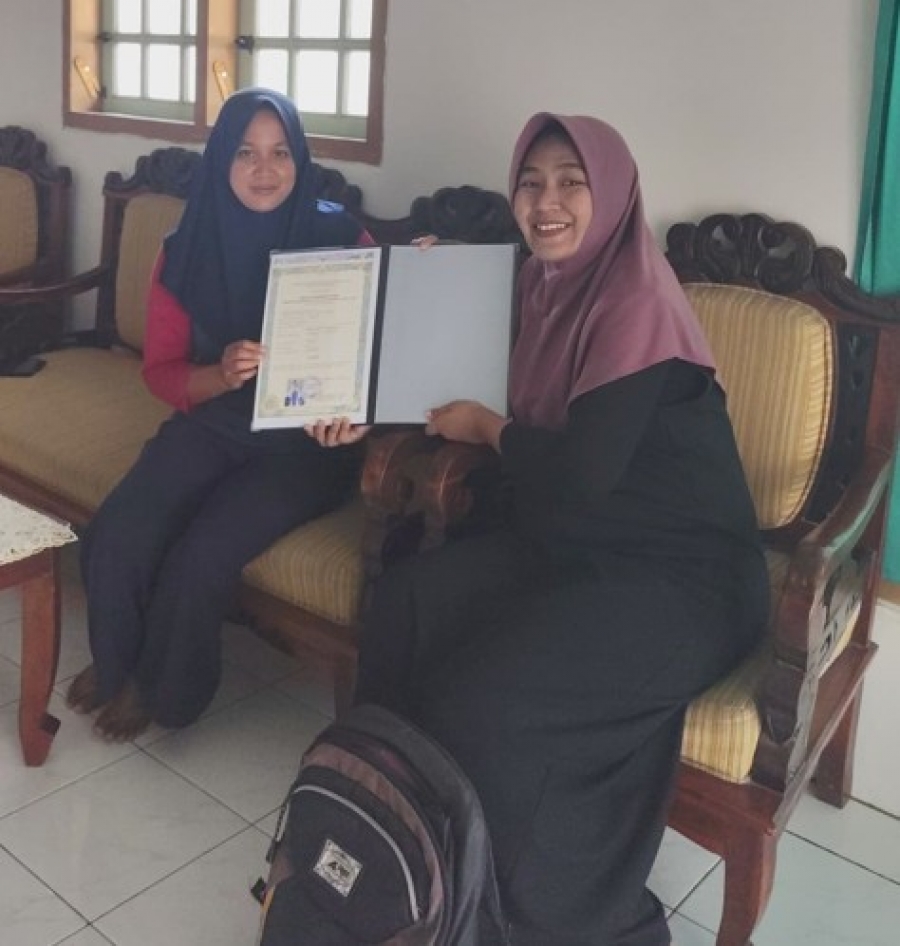

Apa Yang Perlu Di Siapkan Saat SNBP?
Selengkapnya
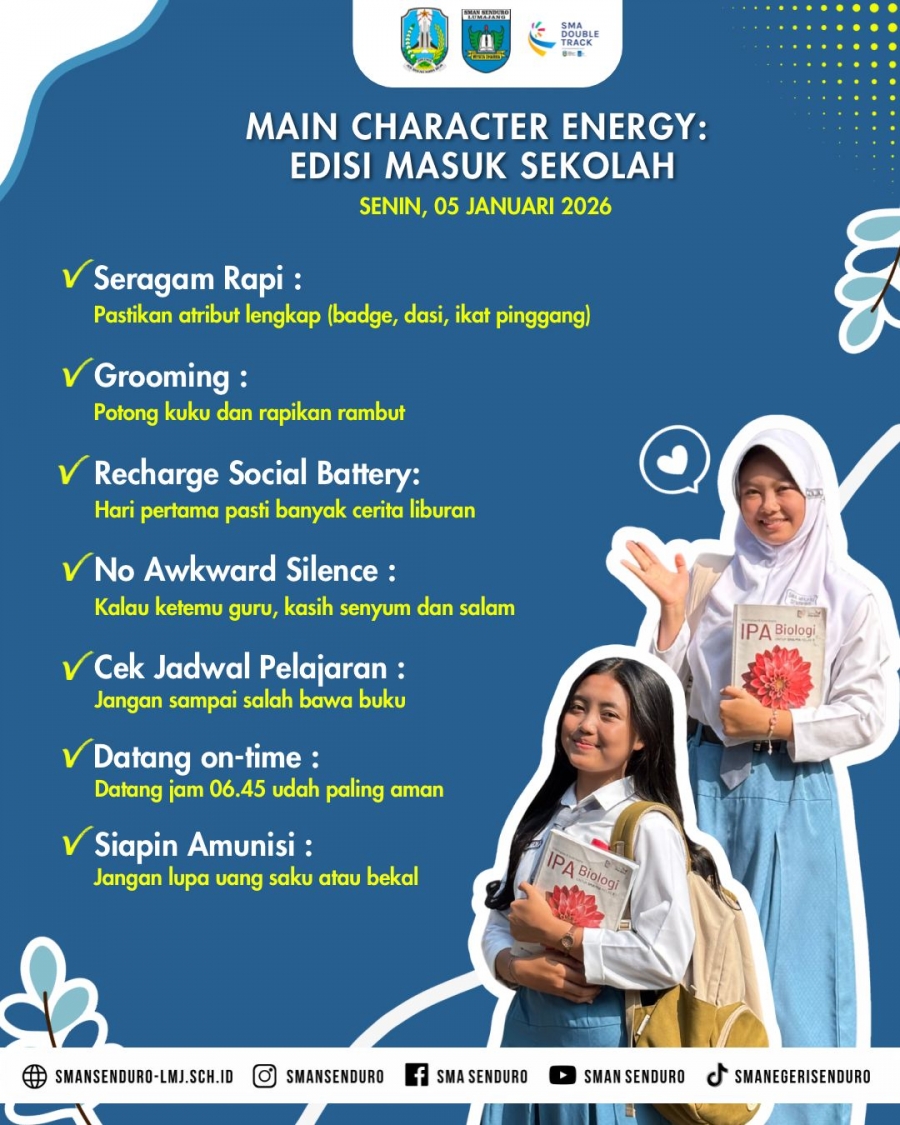
Main Character Energy : Edisi masuk sekolah
Selengkapnya
THE FINAL SHOWDOWN SMASEND SIAPA YANG JAWARA?
Selengkapnya
Layanan Pendidikan Berintegritas: SMA Negeri Senduro Bebas Pungli
SMA Negeri Senduro menunjukkan komitmen teguh dalam mewujudkan pelayanan pendidikan…
Selengkapnya
Pentas Seni HUT SMAN Senduro ke-20: Harmoni Modern dan Kreativitas dalam Siang yang Cerah
Perayaan Hari Ulang Tahun (HUT) ke-20 SMAN Senduro menjadi momen…
Selengkapnya
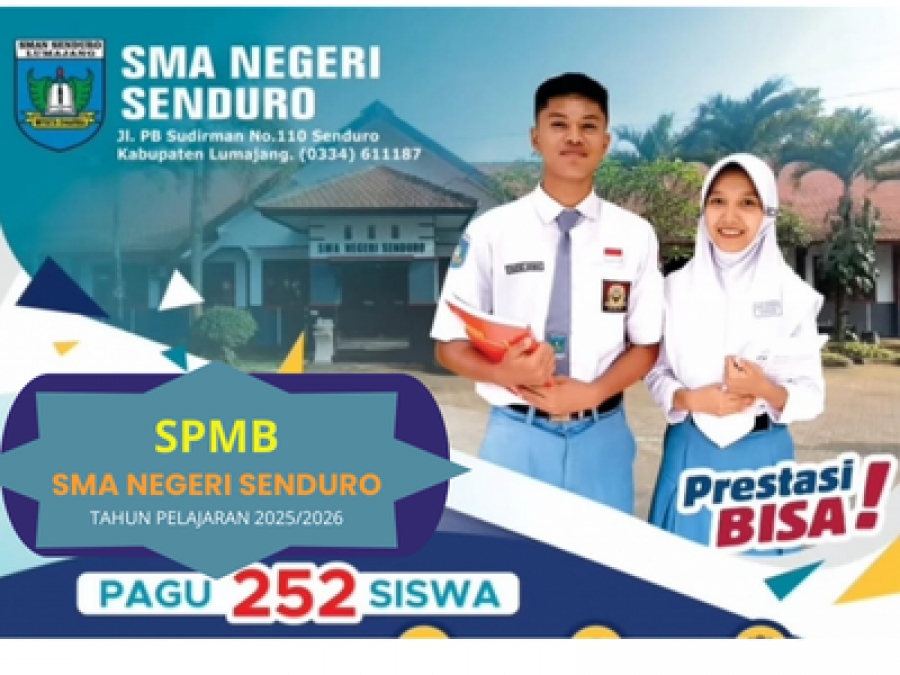
Pagu dan Jadwal SPMB 2025
SMA Negeri Senduro membuka penerimaan murid baru (SPMB) tahun pelajaran…
SelengkapnyaBerita Utama
Berita Utama



PERATURAN MENTERI PENDIDIKAN, KEBUDAYAAN, RISET, DAN TEKNOLOGI REPUBLIK INDONESIA NOMOR 25 TAHUN 2024 TENTANG PEMENUHAN BEBAN KERJA GURU
Beberapa poin penting terkait Permendikbudristek Nomor 25 Tahun 2024 Tentang…
Selengkapnya
Kebijakan Baru Penjurusan SMA: Langkah Strategis untuk Masa Depan Pendidikan?
Pemerintah berencana menghidupkan kembali sistem penjurusan di Sekolah Menengah Atas…
Selengkapnya
Optimalisasi Pengembangan Kompetensi Guru Melalui Hari Belajar Terjadwal
Pada tanggal 26 Maret 2025, Kementerian Pendidikan Dasar dan Menengah…
Selengkapnya
East Java Innovative Education Summit: Mewujudkan Inovasi Pendidikan di Jawa Timur
East Java Innovative Education Summit (EJIES) merupakan ajang inovasi pendidikan…
Selengkapnya
SMA Negeri Senduro Mengikuti Lomba Sekolah Adiwiyata Tingkat Provinsi
Sekolah Adiwiyata adalah tempat belajar yang bertujuan agar siswanya memiliki…
Selengkapnya


Sambutan Kepala Sekolah
Assalamu'alaikum warahmatullahi wabarakatuh.
Selamat datang di website resmi SMAN Senduro Lumajang. Kami bangga mempersembahkan portal ini sebagai sarana informasi dan komunikasi antara sekolah, siswa, orang tua, serta masyarakat luas. Melalui situs ini, kami berharap dapat memberikan gambaran menyeluruh tentang profil, kegiatan, dan prestasi yang telah diraih oleh SMAN Senduro.... Selengkapnya
Artikel
Pembukaan Pameran Seni
Pameran Seni untuk siswa kelas XII SMA Negeri Senduro resmi dibuka dengan penuh semangat dan antusiasme. Dalam sambutannya, Kepala SMA Negeri Senduro menyampaikan rasa ....
Youtube
PESERTA DIDIK, GURU dan STAF
Sekolah kami terdiri dari 701 siswa, 39 guru, 10 staff TU, 6 Caraka, penjaga malam dan keamanan
Caraka Penjaga malam dan Keamanan
Total Siswa
Guru
Staff TU
FASILITAS ONLINE
Media Sosial
Melalui website sekolah, seluruh member dapat berinteraksi secara online.
Jaringan Internet
Layanan jaringan online yang dapat dinikmati di seluruh wilayah sekolah.
Laboratorium Komputer
Fasilitas pembelajaran serta sarana pelatihan online yang tersedia dalam laboratorium.
Chat
Komunikasi chat yang dapat dilakukan di perangkat PC, Tab maupun HP.
Perpustakaan
Proses pinjam meminjam buku pelajaran dan ilmu pengetahuan secara online.
e-Learning
Belajar secara online dimanapun dan kapanpun tanpa dibatasi ruang dan waktu.
Forum
Survey atau masukan kritik dan saran yang membangun untuk kemajuan sekolah.
PPDB
Dukungan pendaftaran siswa baru secara online.
Sistem Informasi Sekolah*
Informasi kegiatan pembelajaran, absensi, jadwal belajar serta perkembangan siswa.
BERGABUNG DENGAN KAMI
© Copyright 2018 sman senduro
